process
Process: from workshop drawing to 3D configurator
A project has four steps: drawings and samples, model and material, scene and stories, embedding and launch. We start within two weeks of your go-ahead; for a piece with fixed finishes we plan four to six weeks. You see every stage on a preview address and approve it before the next one starts.
- Duration
- 4–6 weeks
- Steps
- 4
- as of
- November 2026
01 · steps
Four steps from workshop drawing to configurator
What we do, what we need from you and what you see at the end of each step.
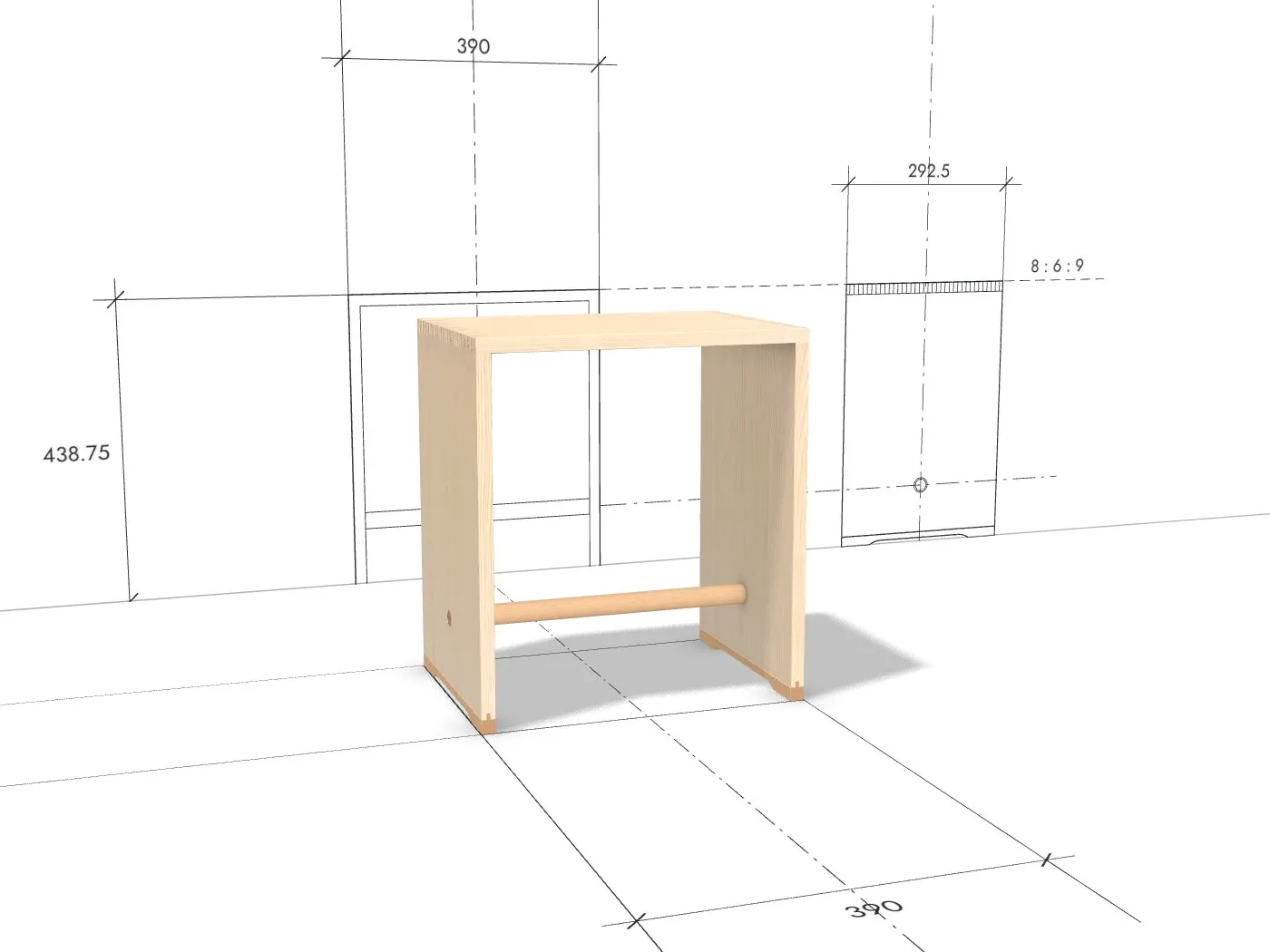 Week 1
1 Drawings and samples
- We
- We read the workshop drawings, measure the real piece and settle which finishes, details and texts the configurator shows.
- You
- Workshop drawings or CAD data, the material samples or a piece to photograph, and one person who decides.
- You see
- A list of the parts, dimensions, finishes and details, with everything we measured differently on the piece than on the drawing.
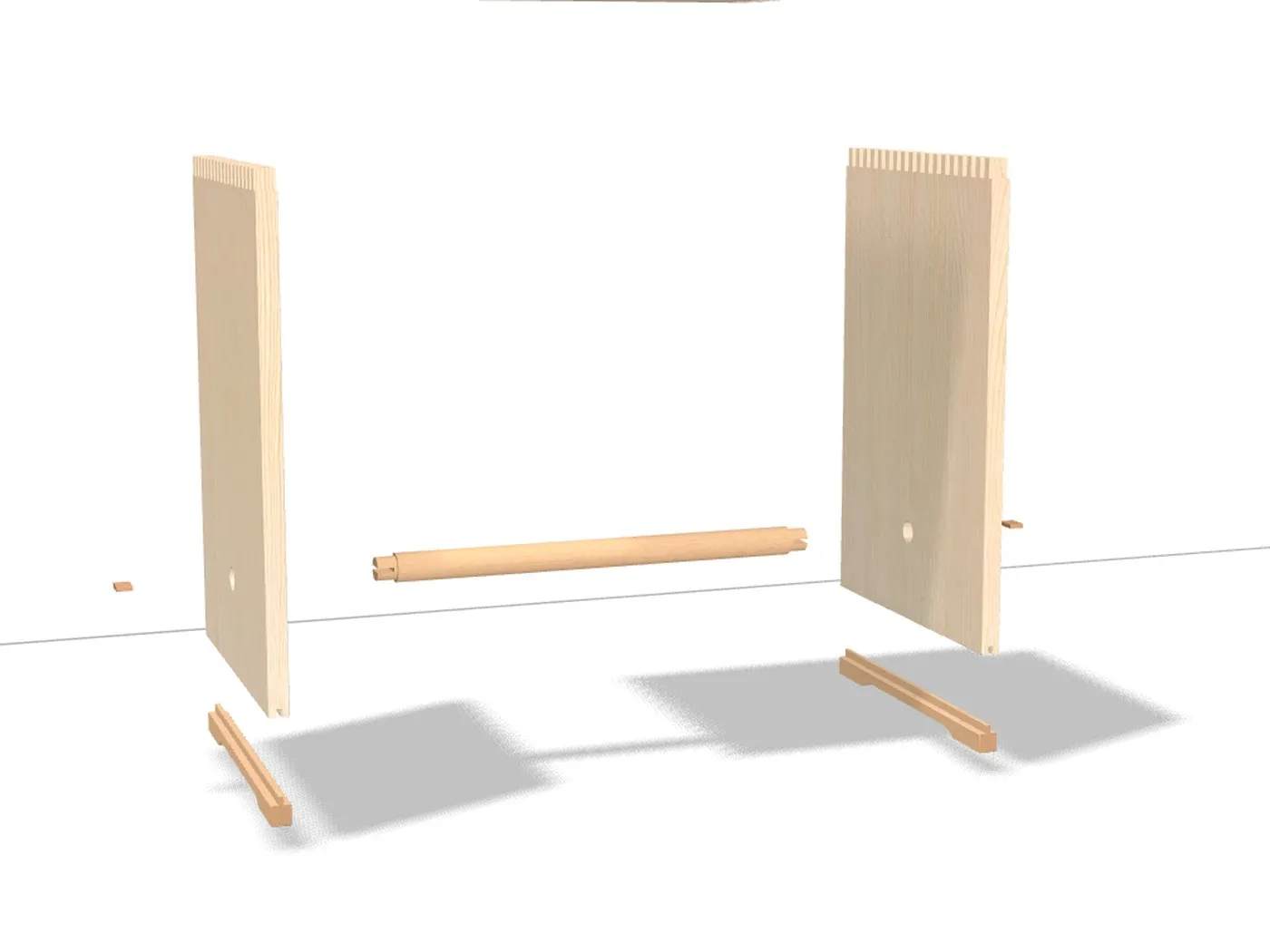 Week 2–3
2 Model and material
- We
- We build the model from its real parts, with joints and edges, and capture the surfaces from your samples.
- You
- You compare the model with the piece and the colours with the samples, best on your own screen next to the sample.
- You see
- The model on the preview address: it turns, comes apart into its parts and shows every finish.
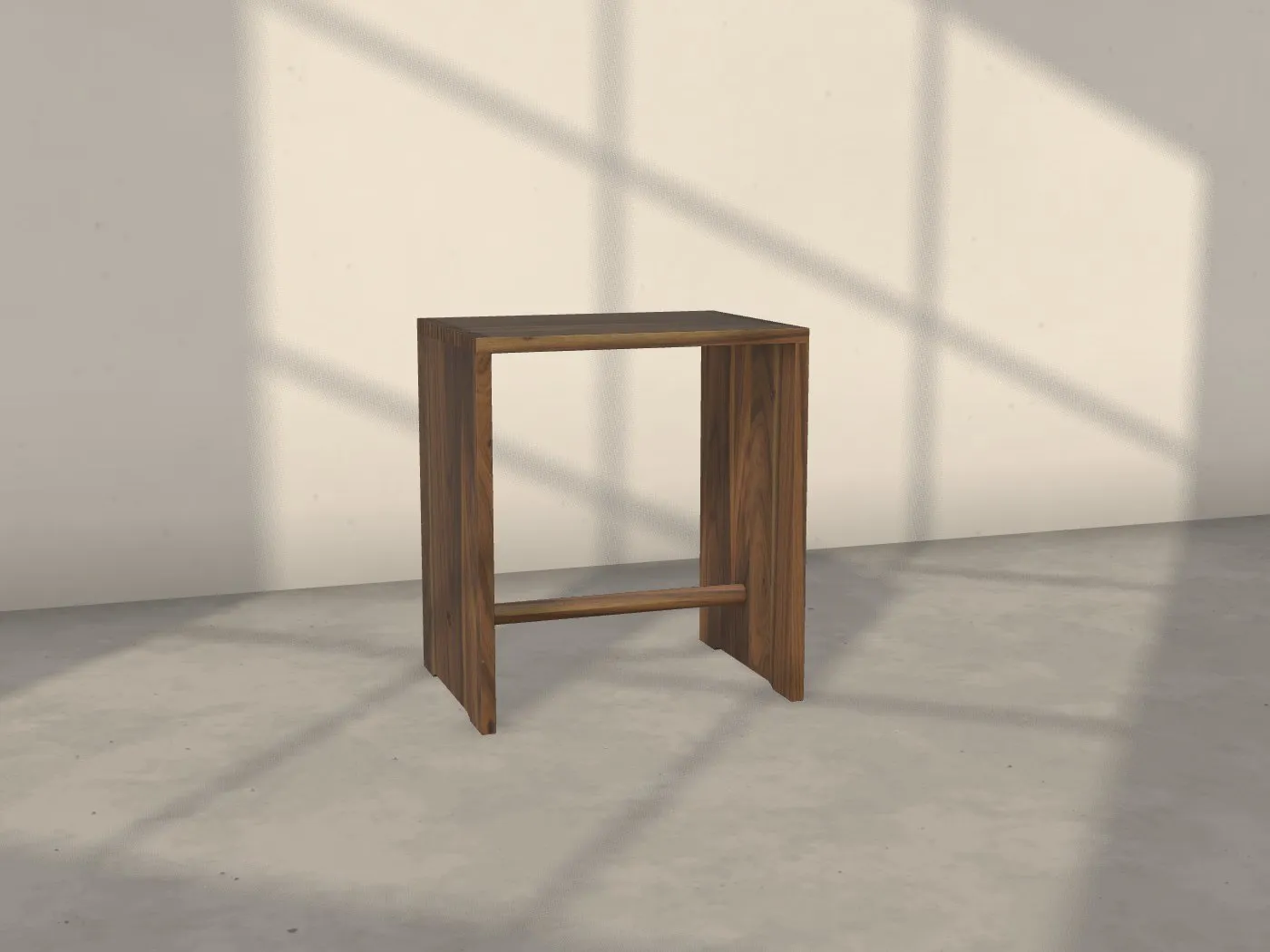 Week 3–5
3 Scene and stories
- We
- We place the piece in a room with daylight, draw its plan at 1 : 1 on wall and floor and write the cards for the details, in German and English.
- You
- You read the texts and correct what your house says differently. You know the stories of your pieces better than we do.
- You see
- The whole configurator: room, light, drawing, details, sharing and enquiry.
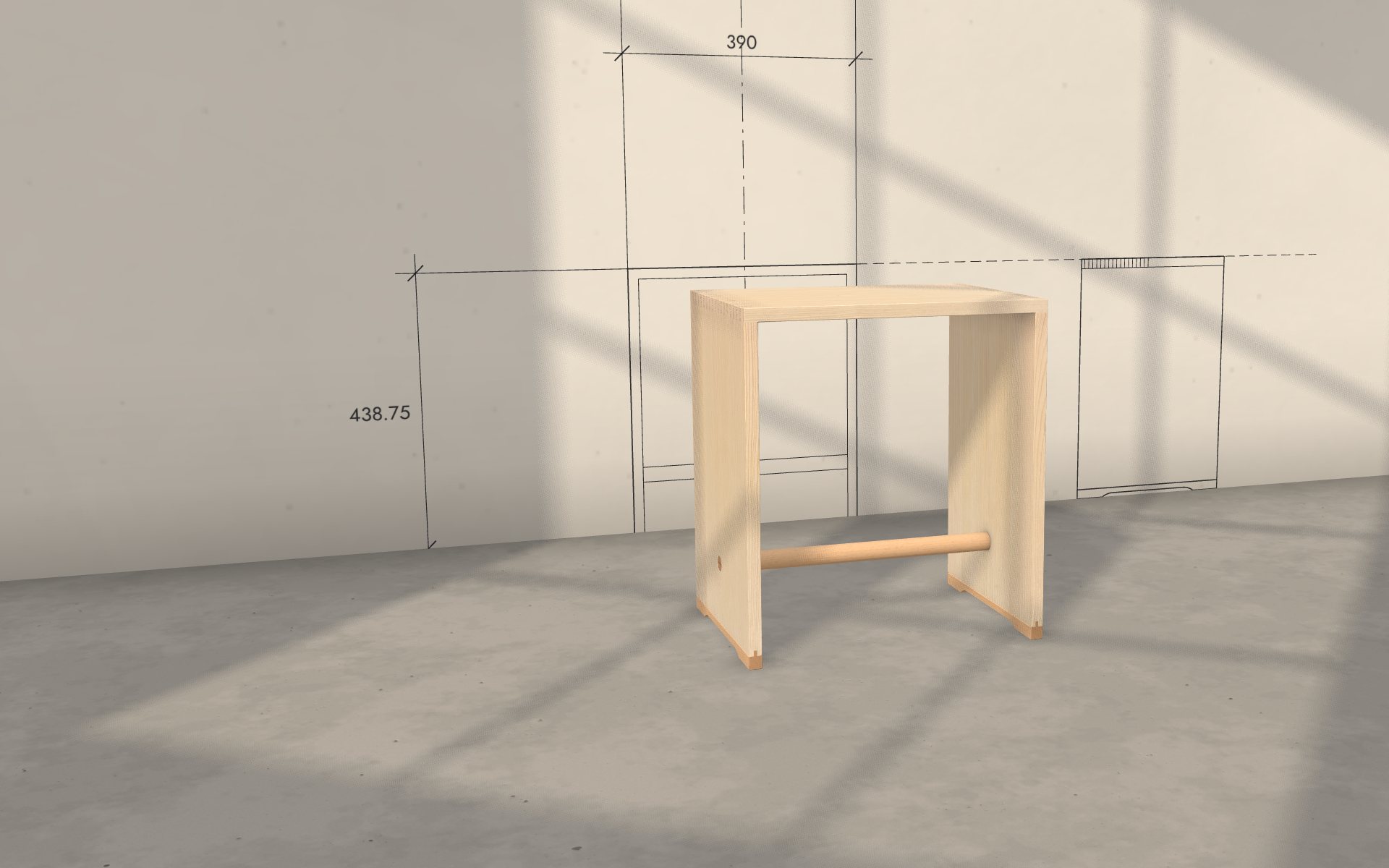 Week 5–6
4 Embedding and launch
- We
- We embed the configurator on your website, and on your dealers’ sites if you wish, and measure it on laptop and phone.
- You
- You give us access to the page it goes on, or the person who looks after your website gets one line of code.
- You see
- The configurator on your own page. From then on we take care of hosting, upkeep and updates.
02 · approvals
Approvals: how you check each step
03 · after launch
After launch: operation, new finishes, new products
Where would your piece stand?
Send us a link, a few photos or a drawing. Within two working days you receive a feasibility sheet: what can be shown, what it costs, how long it takes. Free and without obligation.
request a feasibility check free · reply within 2 working daysrequest a material testdiscuss your project